Arbeiten mit dem Partnerportal
Entdecken Sie, wie Sie das Partnerportal effektiv nutzen können, um die Zusammenarbeit zu verbessern und die Kommunikation mit Ihren Geschäftspartnern zu optimieren.

Written by Owen Parry
Updated at June 9th, 2025
Zugriff auf das Partnerportal
Besuchen Sie https://partner.passwordboss.com, um auf das Partnerportal zuzugreifen, wo Sie alle Ihre Benutzer und Kunden verwalten.
Erfahren Sie, wie Sie Ihre Teammitglieder zum Partnerportal hinzufügen: Hinzufügen Ihres Teams zu Password Boss .
Erfahren Sie, wie Sie verwalten, wer Zugriff auf das Partnerportal hat: Zugriff auf das Partnerportal verwalten.
Im Password Boss Partnerportal erstellen Sie Kundenunternehmen, Benutzer und Gruppen, verwalten Freigaben und verwalten Ihr Konto und die Konten Ihrer Kunden.
- Gespeicherte Passwörter sind nicht über das Portal zugänglich. Passwörter sind nur über die Client-App zugänglich.
- Nur Administratorbenutzer Ihres Kontos haben Zugriff auf das Partnerportal.
Tipps zur Navigation im Partnerportal
- Die blaue Schaltfläche „+“ ist die Aktionsschaltfläche zum Hinzufügen von Elementen zur Registerkarte, auf der Sie sich gerade befinden.

- Mit der Schaltfläche „Filter hinzufügen“ können Sie benutzerdefinierte Filter zum Anzeigen der Daten erstellen.
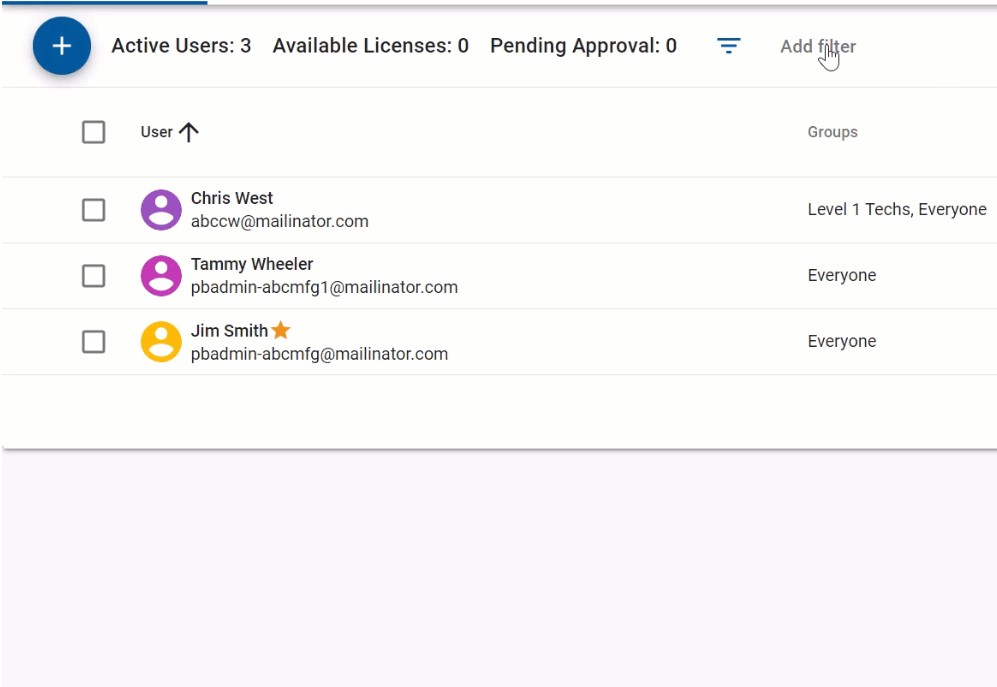 Tipp - Klicken Sie auf die Bilder, um sie zu vergrößern
- Mit dem Suchfeld können Sie Elemente schnell finden.

- Wenn Sie das Kontrollkästchen neben einem Element oder einer Elementgruppe aktivieren, werden im Menü „Aktionen“ die verfügbaren Aktionen für die ausgewählten Elemente angezeigt. Die Liste der verfügbaren Aktionen wird gefiltert, sodass nur die Aktionen angezeigt werden, die auf die ausgewählte Elementliste angewendet werden können.
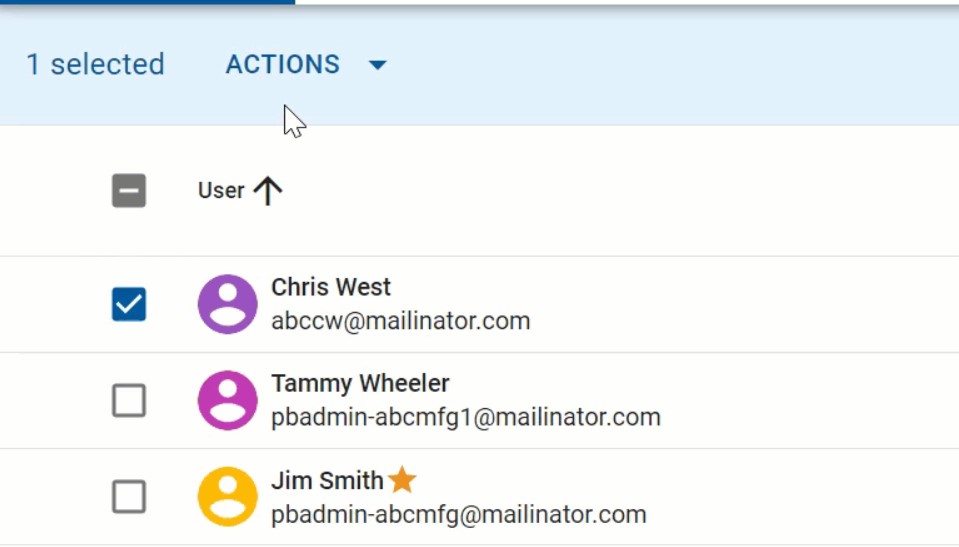
Klicken Sie auf die Bilder, um sie zu vergrößern und besser anzeigen zu können.
- Die linke Navigation kann durch Klicken auf das Menüsymbol minimiert werden .
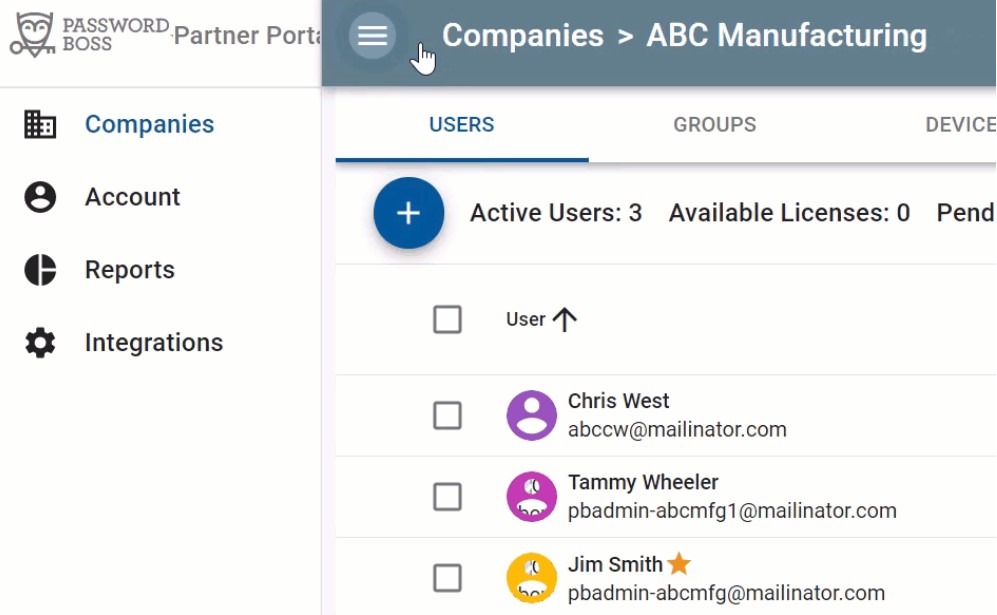
Klicken Sie auf die Bilder, um sie zu vergrößern
- Ihr Administrator kann konfigurieren, auf welche Bereiche des Partnerportals Sie zugreifen können. Nicht alle Registerkarten sind für alle Benutzer sichtbar .